Samsung PC Software UX
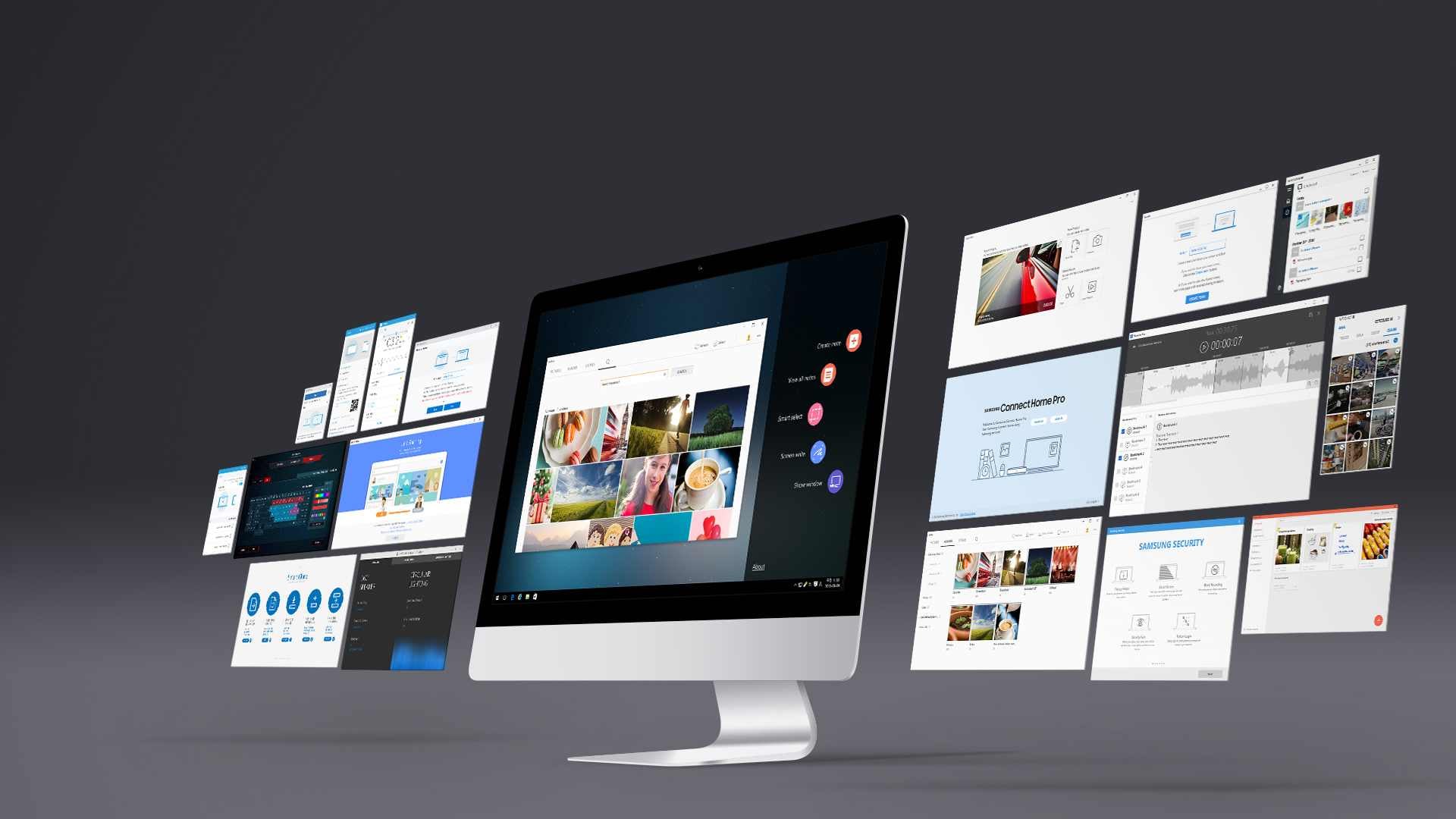
Software nobody chose. It is already on the machine when the box is opened, and it has about a minute to earn the space it takes.
Samsung builds the PC and ships it with its own software on it. Samsung Flow and SideSync for moving between a phone and the machine; PC Settings, Samsung Update and Smart Manager for the machine itself; the gallery, the recorder, the camera control, the radio; Samsung Security; Air Command for the pen; a companion for the television; a layer for the Odyssey gaming models. Around two dozen titles. To the person opening the box they are not two dozen titles — they are what the computer is like.
Preinstalled software is judged before it is used. None of it was searched for or downloaded, so each one has to explain itself on its first screen or be removed, and removing it is easy. That is the brief: the shortest distance between opening the thing and it being obviously worth having open.
The other half is that they have to read as one manufacturer rather than a dozen teams. A settings panel and a photo gallery have almost nothing in common as tasks, but the same person meets both on the same machine within the same hour. What holds them together is not a style but a set of decisions repeated — where things live, what a state looks like, how far the software may go in interrupting.
UX, UI and GUI across the suite, sustained through versions — SideSync to SideSync 4.0, Samsung Update to 3.0, PC Studio Plus to 1.5. 10 separate engagements on this line, 2015–2020.